Signal Strike
SWITCHYARD / FIELD MANUAL
Play on desktop with a mouse and keyboard.
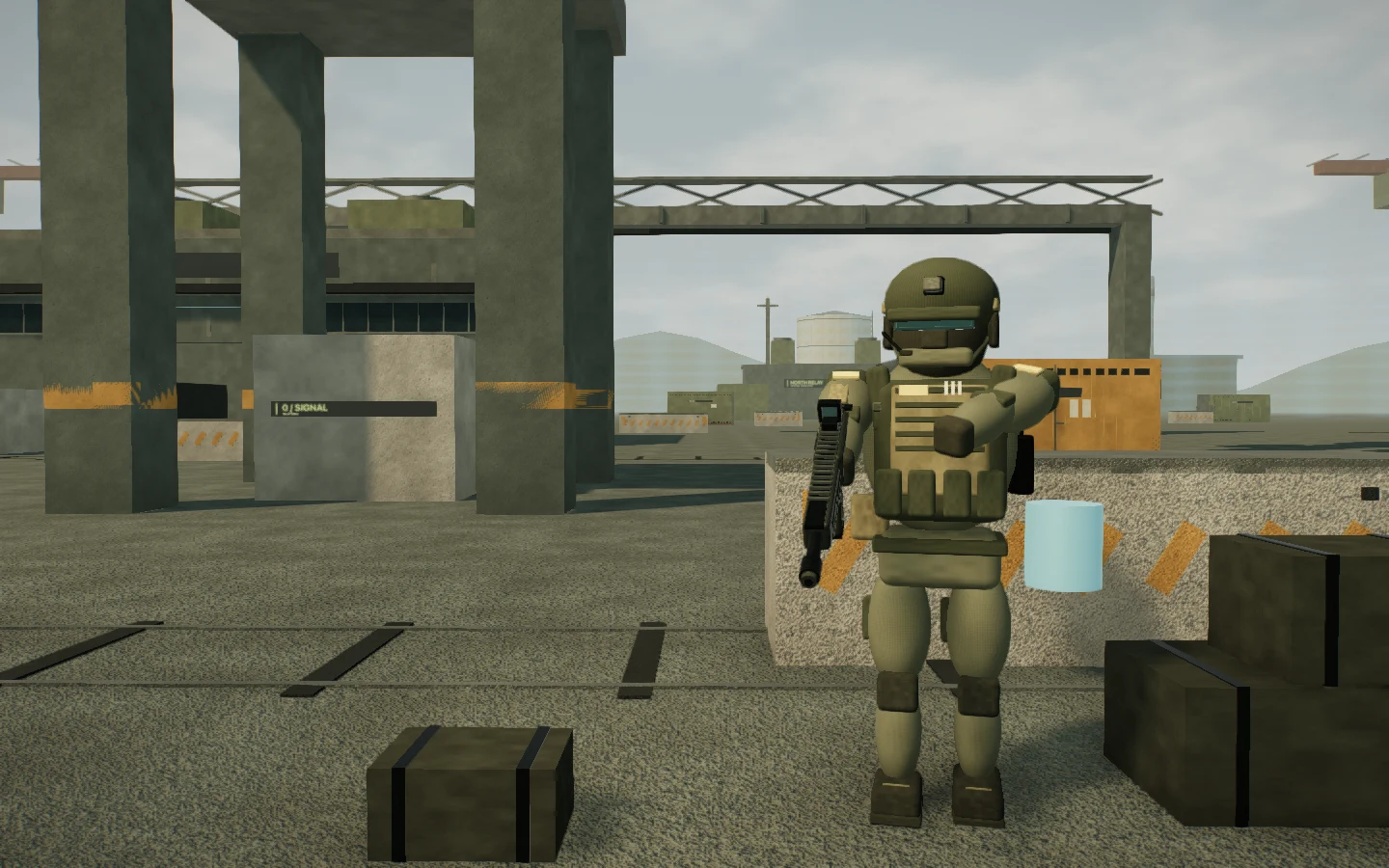
Fight for the signal in Switchyard, an industrial relay station with open halls, cargo lanes and a spire at its center. Choose battle royale or 6v6 team deathmatch, equip two weapons, and play solo against AI units or invite up to three friends. Signal Strike runs in your desktop browser, with no installation or account required.
Learn the station.
Relay Hall and Freight Exchange flank the Signal Spire. Three routes connect the west and east approaches, with staggered cargo cover, overhead gantries and stairs to low service decks. Enter the halls to break a sightline or take the outer lanes to approach from another angle. Six service districts extend the map for battle royale. The layout stays the same between matches, and painted markings and location names help you find your way.
Choose your rules.
Battle royale begins with twelve combatants and a steerable glider drop. Collect shield cells and ammunition, recover shield with eliminations, and move inside a storm ring that closes in timed phases. The last combatant standing wins. Team Deathmatch keeps the fight inside a fixed ring: SIGNAL and STATIC start at opposite bases, friendly fire is off, and eliminated players return after five seconds. Reach thirty eliminations first, or lead the score when the five-minute clock ends.
Build a loadout.
Pick two of five weapons: the PULSE-7 assault rifle, scoped LANCE-1 marksman rifle, WASP-9 SMG, MAUL-4 shotgun or ARC-12 burst rifle. Shots resolve instantly along your aim, with weapon-specific recoil, spread and damage falloff over distance. Movement and jumping affect accuracy; headshots reward a precise shot. Hold SHIFT to steady the marksman scope, sprint into a crouch to slide, and press Q to place a breakable hardlight wall. Press V to switch between first-person and over-the-shoulder views.
Watch the next angle.
AI units navigate around the station's structures, look for cover and peek to fire. When they lose sight of an opponent, they investigate its last seen position before returning to patrol. They fight one another, collect supplies and move away from the storm, so a match continues beyond your own encounters. In team matches, AI units fill out both squads.
Keep the fight readable.
The combat display shows health, shield, ammunition, reload progress and barrier cooldown. A directional hit indicator points toward incoming fire, while the compass, minimap and current location help you orient yourself. Open the menu with ESC to adjust mouse sensitivity, field of view and visual effects. Your loadout and settings are saved in this browser when local storage is available.
Bring a squad.
Create a Squad Link room and share its four-letter code or invite link. Up to four people can join, with AI filling the remaining places. The host selects the match mode. Online rooms use a realtime relay; no sign-in or matchmaking queue is required.
Your browser is showing the reading version. Playing requires a desktop-class browser with WebGL2, JavaScript, a mouse and keyboard, a window at least 960 pixels wide, and motion enabled. Data-saving preferences also select this reading version. Deploy locks the pointer for aiming; ESC releases it and opens the menu. Touch-only devices, narrower windows, reduced-motion preferences and unsupported graphics use this field manual. Explore another real-time scene in Deep Signal, or read the engineering notes on the blog.