Stackime
Anime discovery & tracking
Find your next obsession. Discover anime, track what you're watching, and explore the community's shared shelf.
Open Stackime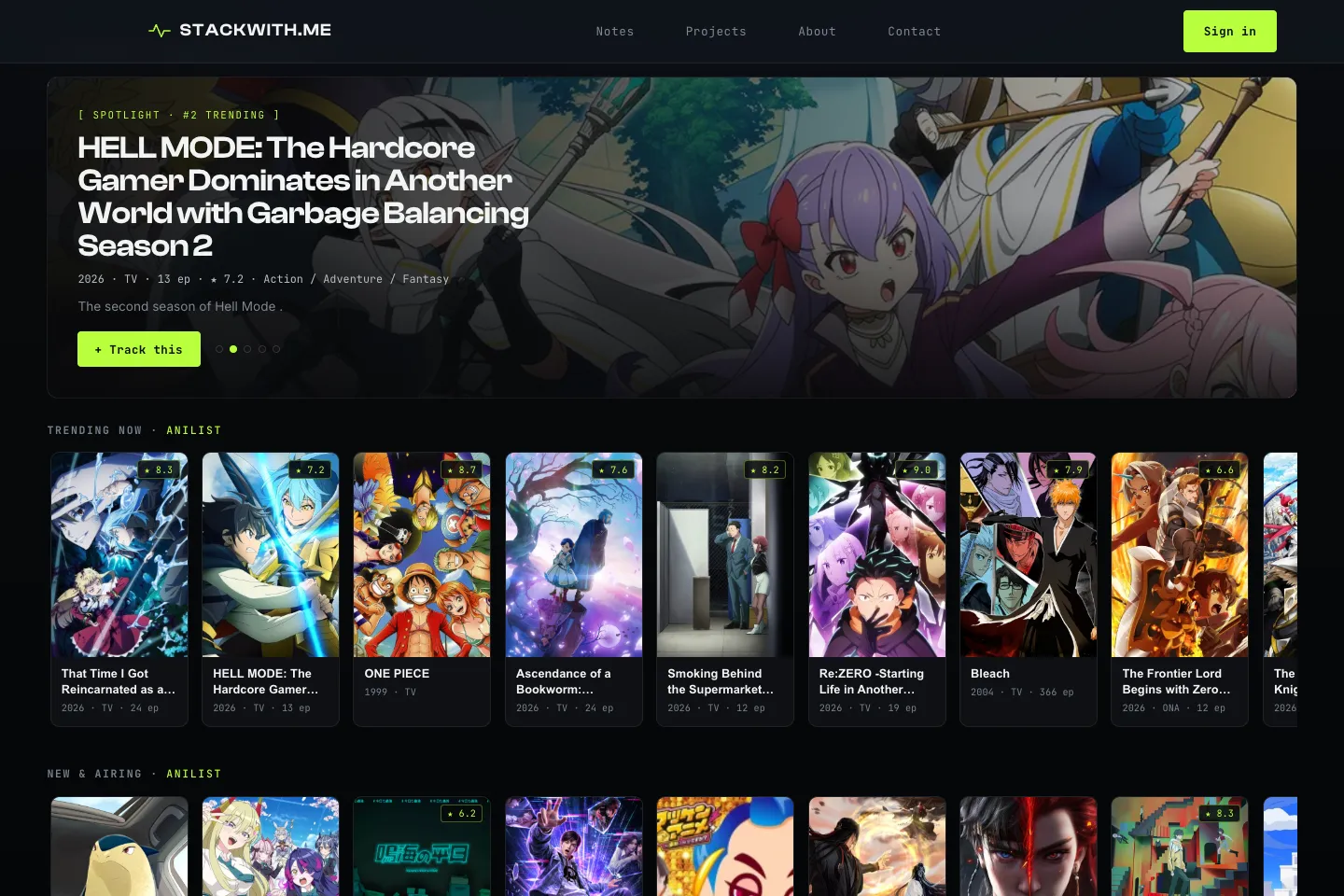
Status: working software. Browse without an account; sign in with Google to keep a list.
Read the build story
Stackime — an anime tracker with a shared shelf
Stackime combines an anime catalog with a shared watchlist. Save a title, record episodes seen, choose a viewing status and add your own score. The community catalog links to public watcher lists, so you can explore how another viewer is working through a series.
Search, discovery, artwork and title descriptions come from the AniList GraphQL API. Stackime supplies the list workflow, progress controls, community views and interface. Those are separate sources: an AniList score is not a Stackime community rating.
Supabase provides authentication and storage. Saving requires Google or email sign-in, while browsing and public lists remain available to visitors. List entries are shared through community views; signing in controls who may edit an entry, not a promise that its contents are private. Read the short walkthrough before saving your first title.